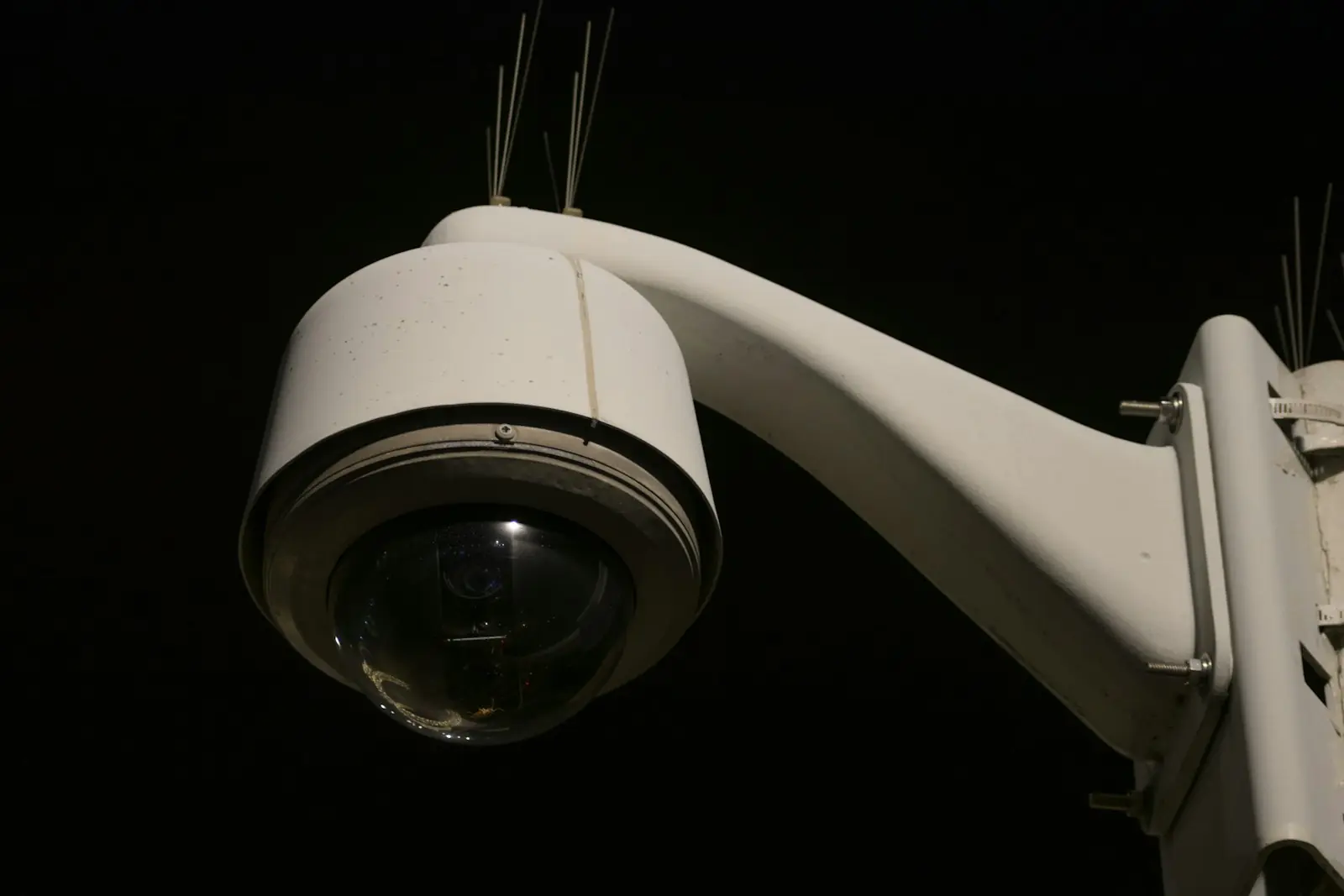
Most stores already have cameras, and most of that footage is never watched. The moments that matter, such as a queue building at the tills or a counter left unstaffed, are over before anyone reviews a recording. This guide shows how three LeanTools products combine into an agent that watches for those moments, judges them against what normally happens, and tells the right person while there is still time to act.
How the pieces fit
The agent has three jobs, and each one maps to a product:
- Detection with LeanVision. Your existing cameras stream to vision models on managed GPUs. You describe what matters in plain language, and LeanVision raises an event when it happens.
- Context with LeanMemory. Every event is kept, so the agent can tell a genuine problem from the rush that happens every Saturday at the same hour.
- Action with LeanConnect. The agent messages the floor manager by SMS or WhatsApp, with the option to hold each message until a person approves it.
All three sit behind the same endpoint and API key. The agent needs one credential, and every call it makes lands in the same activity log.
Step 1: Describe what the cameras should watch for
Each camera becomes a LeanVision stream, created from a short profile: the camera's network address, a plain-language prompt, and how sensitive detection should be.
{
  "schema_version": 1,
  "name": "front-till",
  "camera": { "url": "rtsp://10.0.0.4/ch0" },
  "ai": {
    "prompt": "Alert when more than five people are waiting at the till",
    "sensitivity": 0.6
  }
}
Before you point a profile at a live camera, test it on real footage. Upload a recorded clip of up to 200 MB and LeanVision plays it through the same model and rules, so you can tune the prompt and the sensitivity against what actually happens in your store. Uploaded clips are kept for 24 hours.
Rules turn detections into events. A rule can apply to one camera, or combine several cameras into a site-wide condition, such as a queue at any till while the café counter is unstaffed. Both kinds can be dry-run before they go live. Events reach the agent in real time over a WebSocket, and snapshots and a live view are available whenever the agent needs to look for itself.
Step 2: Give every event a memory
An alert is only useful if the situation is unusual. The agent appends each rule event to an event stream in LeanMemory: the camera, the rule, the time and a short summary of what was detected. Event streams are queried with SQL, so before it acts, the agent can compare this moment with the same hour on previous weeks.
-- Queue events at the front till, 14:00-15:00 on recent Saturdays
SELECT date_trunc('week', occurred_at) AS week,
       count(*)                        AS queue_events
FROM   till_events
WHERE  camera = 'front-till'
  AND  dayofweek(occurred_at) = 6
  AND  hour(occurred_at) = 14
GROUP  BY week
ORDER  BY week DESC
LIMIT  8;
The same memory holds the structured facts behind a good decision, such as the staffing roster or which manager is on shift. It also keeps a record of every alert that was sent and whether it helped. Feedback on those alerts teaches LeanMemory which results are worth surfacing, so the agent's judgement improves the longer it runs.
Step 3: Tell the right person at the right moment
When the agent decides that a queue needs attention, it sends a message through LeanConnect. Connector actions are MCP tools, so an agent in Claude, Codex or any other MCP client calls them directly:
{
  "method": "tools/call",
  "params": {
    "name": "connector.twilio.sms.send",
    "arguments": {
      "credentialId": "7c1f0a…",
      "input": {
        "from": "+15550001111",
        "to": "+60123456789",
        "body": "Queue building at till 2 (7 waiting). Busier than a normal Saturday at this hour."
      }
    }
  }
}
The messaging credential is stored once, in the workspace's encrypted vault, and applied at call time. The agent only ever holds a credential ID. If you want a person to confirm messages before they go out, turn on approvals for writes on the connector: the call waits for a decision in the console, and a request that nobody decides expires after 30 minutes.
Keeping it under control
- One key per agent. Scope the agent's API key to the services it needs (camera streams, event memory and connectors) and give it a monthly spend cap.
- Predictable costs. Camera streams are billed per stream-hour, previews included, while snapshots, rules and management calls are free. Connector actions are billed only when they complete. Current rates are on the pricing page.
- Credentials stay private. Provider keys and URLs in a stream profile are stripped before the profile reaches a GPU node. Only the camera's address travels with it.
- A complete record. Every call, its units and its cost appear in the activity log within seconds.
Getting started
- Create a workspace and an API key scoped to LeanVision, LeanMemory and LeanConnect.
- Upload a clip from one of your cameras, and tune a stream profile until its events match what you would want to know.
- Connect the live camera, add a rule, and store your messaging credential in the console.
- Point your agent at the LeanTools endpoint and give it the loop: listen for events, check memory, decide, then message.
The API reference covers streams, rules and uploads in detail, and the connector guide covers credentials and approvals.