Isolated sandboxes
Each machine is its own environment, scoped to your workspace.
LeanMachine gives each agent a computer of its own. Start an isolated sandbox for a build, a test run or a data job, work in it, and let it disappear when the job is done. You pay only while it runs.
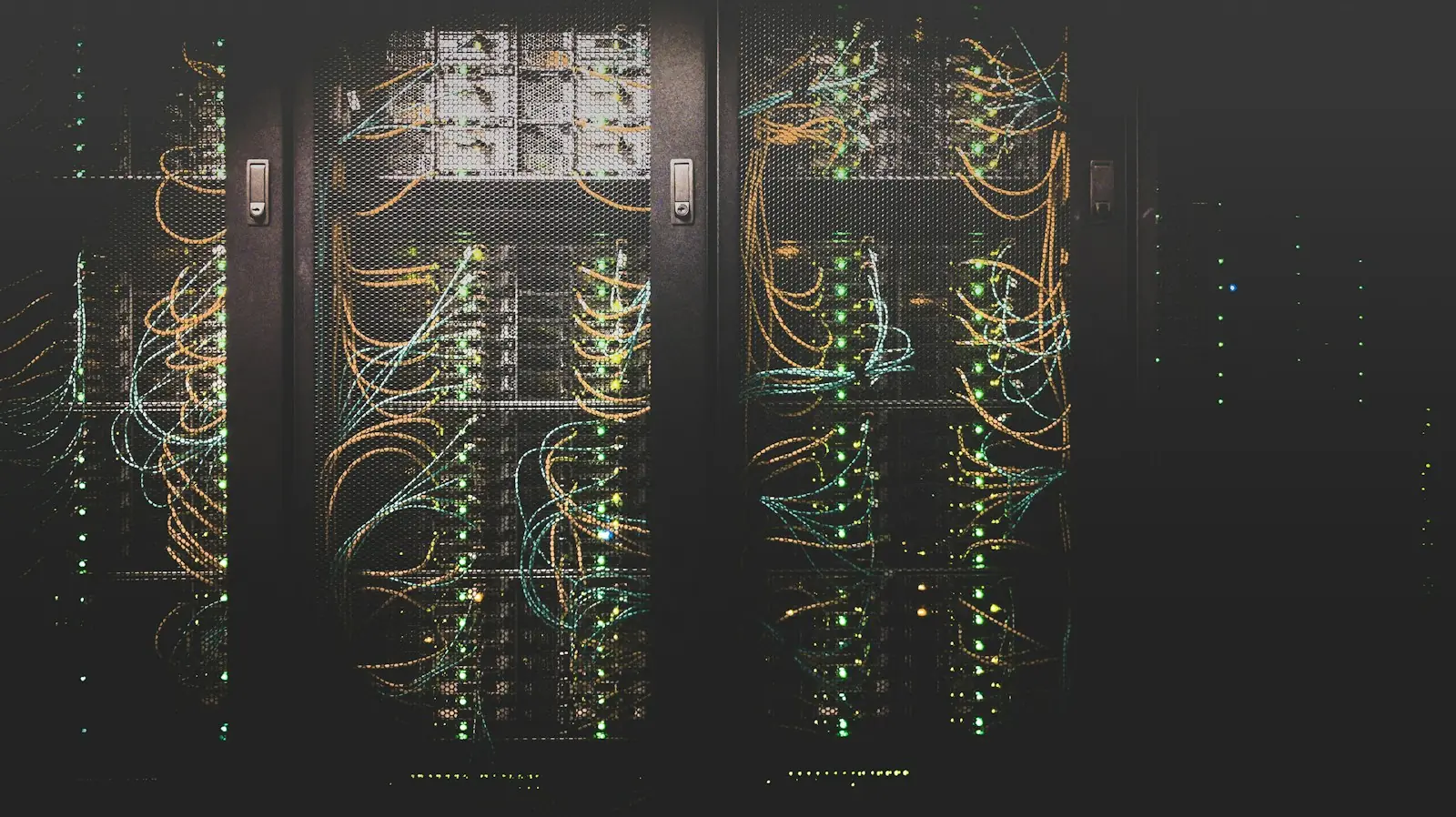
Every machine runs in its own sandbox, in a namespace only your workspace can reach.
Idle machines clean themselves up. Keep one around only when you mean to.
Billing stops the moment a machine stops. No reserved capacity, no idle fleet.
Each machine is its own environment, scoped to your workspace.
Create, start, stop and dispose of machines through one simple API.
Session machines dispose of themselves after an idle period, so nothing is left running.
Mark a machine permanent to keep a long-lived environment for an agent.
New machines land on the least-loaded pool automatically.
Machines stop automatically when credits run out, and every minute is on the record.
Reserve a key, create a machine and connect to it. When the job is done, stop or dispose of it, or let idle clean-up do it for you.
API reference# Reserve a key with POST /machine/instance-key, then start the machine curl -X POST /api/v1/machine/instances \ -H "Authorization: Bearer $LEANTOOLS_API_KEY" \ -H "Content-Type: application/json" \ -d '{ "key": "<instance key>", "instanceType": "Session", "tag": "ci-run-42" }'
Coding agents clone, build and test in a clean environment, every time.
Process files and run scripts without touching your own infrastructure.
Spin up a throwaway environment, reproduce the issue, then let it go.
Every machine comes with its own network address. Your agent or tooling connects to it directly to run commands and move files.
Session machines are disposed of after they have been idle for a while (an hour by default). Permanent machines stay until you dispose of them.
Per active minute, from start until the machine stops or is disposed of. Stopped machines cost nothing.
Running machines are stopped automatically, so there is never a surprise bill.
Managed headless browsers your agents can drive to capture, extract and automate the web.
AI-native issue tracking: testers capture rich reports, and coding agents pick them up and fix them.
A memory that learns from use: structured, unstructured and event data in one place, with recall that gets more accurate the more your agents work.
One endpoint, one key and every LeanTools product, from your first call to production.