Bring your cameras
Standard network streams such as RTSP connect in minutes.
LeanVision connects the cameras you already have to vision AI running on managed GPUs. Describe what to watch for in plain language, set the rules that matter, and your agents receive live events, snapshots and streams. No new hardware, no models to host.
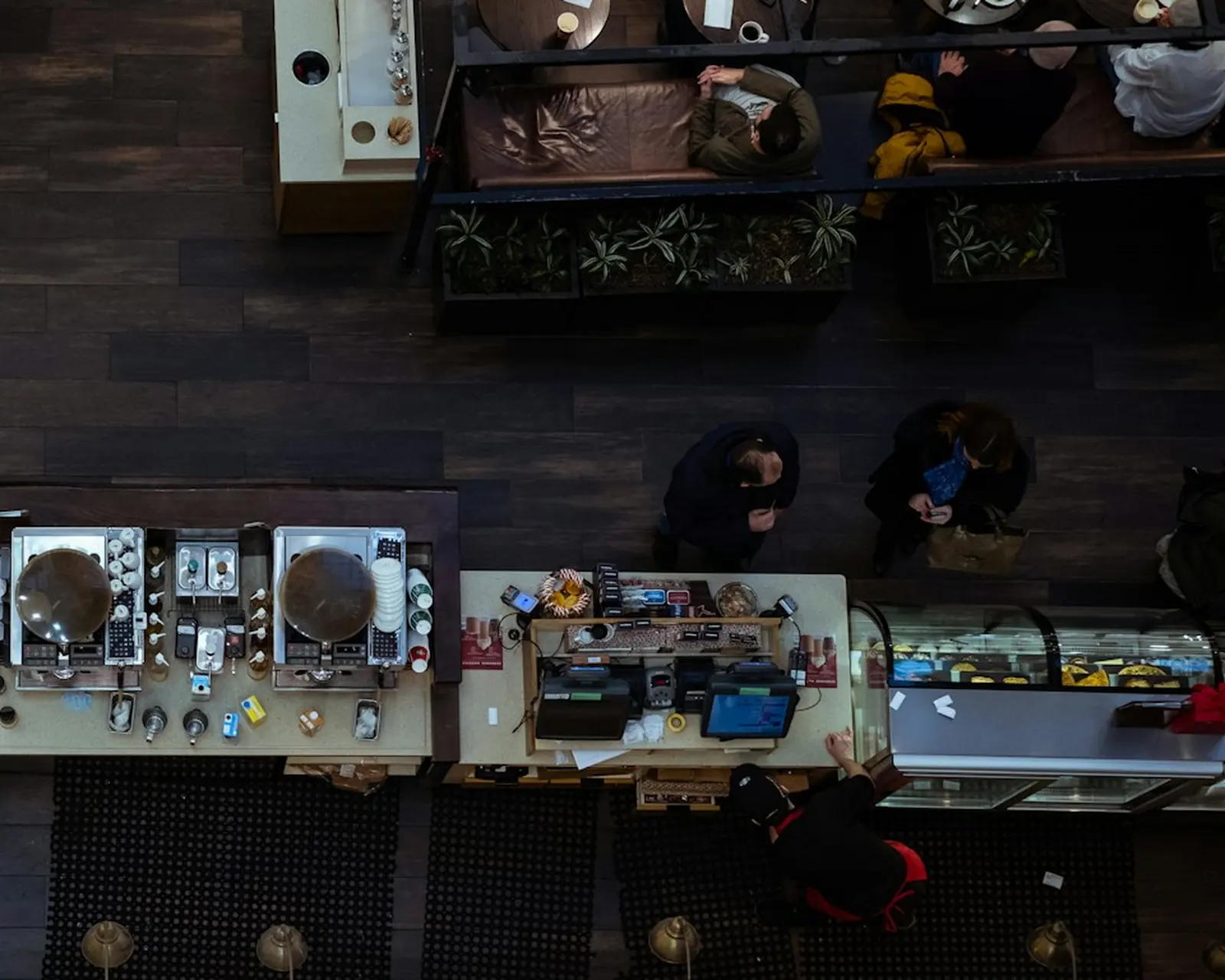
Connect standard network camera streams. There is nothing to install on site.
Tell LeanVision what matters, such as a queue longer than five people or a vehicle in the loading bay, and tune how sensitive it is.
Combine signals from several cameras into one rule, and test it before it goes live.
Standard network streams such as RTSP connect in minutes.
Plain-language prompts tell the vision model what to look for; sensitivity sets how eager it is.
Script rules per camera, combine cameras into site-wide rules and dry-run them first.
Detections, rule events and statistics stream to your agents in real time.
Grab a still frame or open a live stream whenever an agent needs to look.
Upload a clip and see exactly what LeanVision would flag before you point it at a live camera.
Create a stream from a short profile: the camera, what to watch for and how sensitive to be. Events, snapshots and live video are available the moment it starts.
API reference{
"schema_version": 1,
"name": "front-till",
"camera": { "url": "rtsp://10.0.0.4/ch0" },
"ai": {
"prompt": "Alert when more than five people are waiting at the till",
"sensitivity": 0.6
}
}
Queue length, occupancy and service times, reported the moment they change.
Loading bays, perimeters and restricted areas watched around the clock.
Spot the situations your team cares about and act before they escalate.
Any camera that offers a standard network stream, such as RTSP. No new hardware and nothing to install on site.
On GPU nodes operated by LeanTools. You choose from the vision models the service offers; we run and maintain them.
Yes. Upload a recorded clip of up to 200 MB and preview exactly what LeanVision would flag.
Per stream-hour, previews included. Snapshots, rules and management calls are free.
A memory that learns from use: structured, unstructured and event data in one place, with recall that gets more accurate the more your agents work.
Connect agents to the apps your business runs on, with credentials kept safe and every write under your control.
OpenAI-compatible text, image, speech, music, video, avatar and realtime voice models, metered on the same credits as the rest of your stack.
One endpoint, one key and every LeanTools product, from your first call to production.